 Fullcale
How to choose the best
calendar app for you
There are a lot of calendar apps, and “best” depends on how you'll use it. This guide helps you figure out what to look for.
This guide is written by the team behind Fullcale. It covers how to choose any calendar app, not just ours.
Start with what you need
The most common mistake is picking the most popular app and finding it doesn't fit how you live. Decide which of these matters most:
| If you want to… | Look for |
|---|---|
| Add events as fast as possible | Voice input or natural-language entry |
| Coordinate with family or a partner | Shared calendars, notifications on changes, works on iPhone and Android |
| Manage work meetings | Sync with your work account and other tools |
| Track more than events | Budget, diary, period or baby tracking in the same app |
| Check plans without opening the app | Home screen and lock screen widgets |
Five things to check
1. How easy is it to add events?
A calendar only works if you keep putting things in it. If date and time pickers slow you down, choose an app that lets you add events by voice or by typing a sentence.
2. How does sharing work?
For family use, check how easy invites are, whether members are notified about new events, and whether it works across iPhone and Android. Being able to keep personal and shared events separate matters too.
3. What else do you want to track?
If your budget, diary, period and kids' records each live in a different app, you'll open fewer of them over time. One app that holds them all is easier to keep up with.
4. Readability and widgets
Can you read events in the month view? Can you color-code them? Is there a widget that shows today's plans on your home screen?
5. Price and ads
Check what's free and what the paid plan adds. If ads bother you, look at what it costs to remove them.
Which type of app suits you?
Built-in and big-name calendars
Apple Calendar and Google Calendar integrate tightly with your phone and accounts. They're a good fit if you need to sync with a work account or just want a simple list of events.
Sharing-focused calendars
If sharing with a family or group is the main goal, consider an app built around shared calendars and communication between members.
All-in-one calendars
If you want your budget, diary, period and baby tracking alongside your events, an all-in-one calendar app is the better fit.
Who Fullcale is for
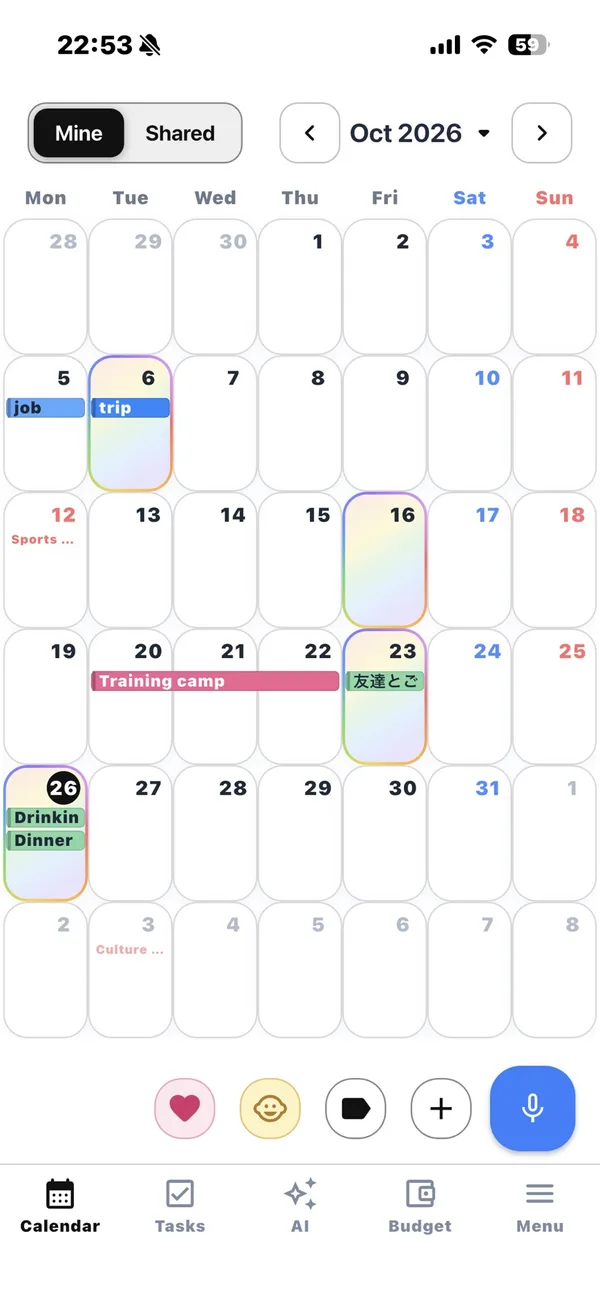
- You want to add events by just saying them
- You want to share plans and photos with family or a partner
- You want budget, period, baby tracking and a diary in the same calendar
- You want widgets for today's events
- You want a free app (Pro removes ads)
If you mainly need to sync meetings from a work account, a big-name calendar will suit you better.
FAQ
Are there good free calendar apps?
Yes, most calendar apps are free, with paid plans that remove ads or add features. Check whether the free tier covers what you need. Fullcale's core features are free.
What's the best calendar app for families?
Look for easy invites, notifications when someone adds an event, and support for both iPhone and Android. Being able to separate personal and shared events helps.
Is there a calendar app with a budget tracker?
Fullcale has a budget tracker built into the calendar, and you can log expenses by voice.
Try Fullcale for free
Available on iPhone and Android. The core features are free.