 Fullcale
Voice calendar app:
add events by just talking
Pick a date, scroll to a time, type a title, hit save. Adding a calendar event takes more taps than it should. With Fullcale, you just say it.
Why adding events feels like a chore
A typical calendar app asks you to open the app, tap “+”, type a title, pick a date, set a start time, set an end time, and save. It's only half a minute, but it's exactly the kind of half minute you put off — and then forget. The fewer steps it takes, the more likely the event actually ends up on your calendar.
How voice input works in Fullcale
Tap the mic and talk the way you normally would. Fullcale picks out the date, time and title and adds the event. If you don't mention a time, it becomes an all-day event; if you don't mention a date, it goes on today.
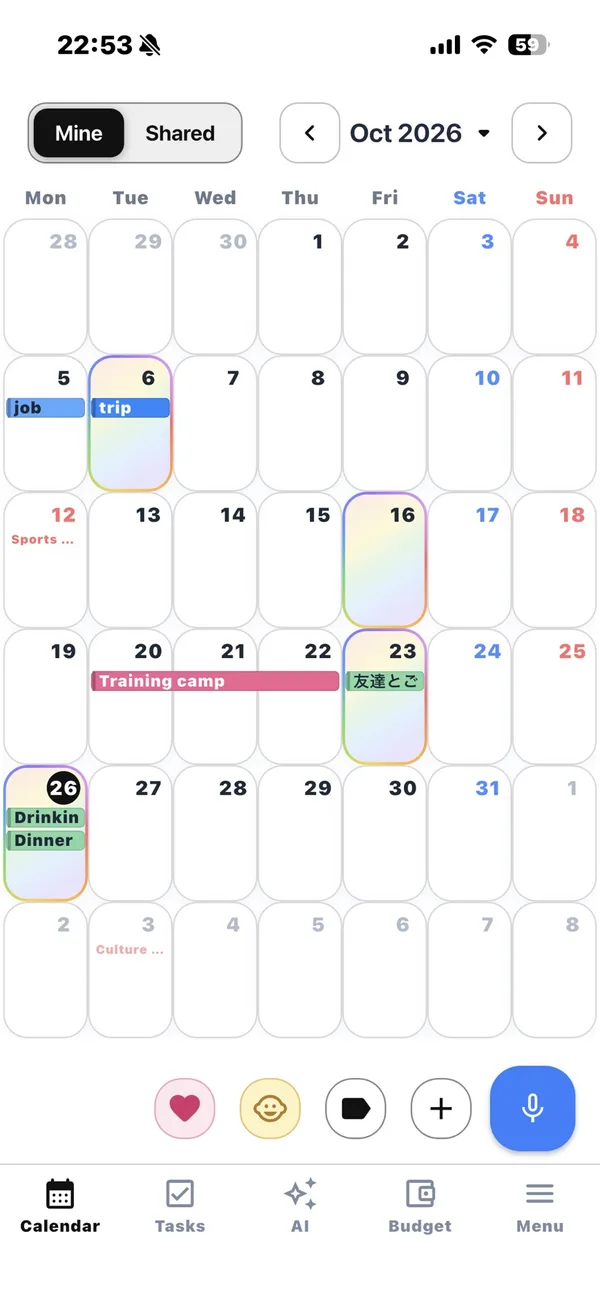
| What you say | What gets added |
|---|---|
| Dentist tomorrow from 3pm to 4pm | Tomorrow, 15:00–16:00, “Dentist” |
| Today 6pm to 7pm dinner | Today, 18:00–19:00, “Dinner” |
| Trip on Monday | Next Monday, all-day, “Trip” |
| Tomorrow 2pm meeting memo bring documents | Tomorrow 14:00 meeting, with the memo “bring documents” |
| Payday on the 25th of every month | A monthly repeating all-day event |
| Delete tomorrow's meeting | Deletes that event (you can undo right after) |
“Every Monday” and “every day” work for repeating events, too.
Tasks, notes and budget by voice
- Tasks — “Add task submit the report by tomorrow”, “The report task is done”, “Move the report task to tomorrow”
- Notes — “Add a note shopping list”
- Budget — on the Budget screen, say “Lunch 15 dollars” or “Groceries 60 dollars” and the expense is logged with a category
- Shared calendars — “Family calendar, dinner Sunday 6pm” puts it straight on the family calendar
Free vs. Pro voice recognition
Voice input is free. With Pro, what you say is analyzed by AI, so it copes better with looser, more natural phrasing.
Tips for best results
- Say when, what time, then what: “Tomorrow 10am meeting”
- Add an end time with “to”: “3pm to 4pm”
- Without am/pm, 1–7 is read as afternoon (“at 3” → 3pm)
FAQ
Is the voice input free?
Yes. Voice input works on the free plan. Pro adds AI-powered recognition for more flexible phrasing.
Can I add repeating events by voice?
Yes. Say things like “Payday on the 25th of every month” or “Gym every Monday”.
What happens if I don't say a time?
The event is added as an all-day event.
Try Fullcale for free
Available on iPhone and Android. The core features are free.